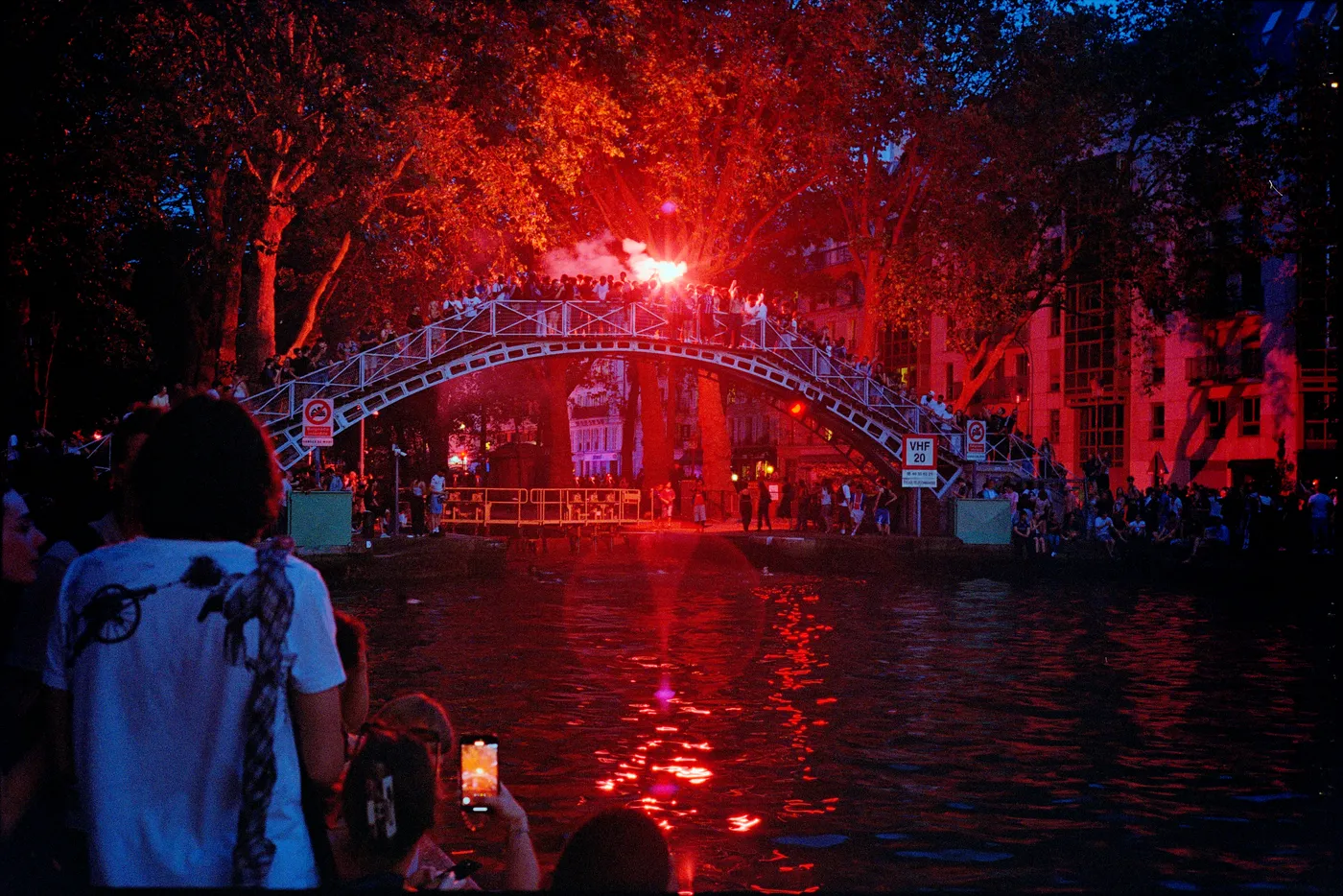
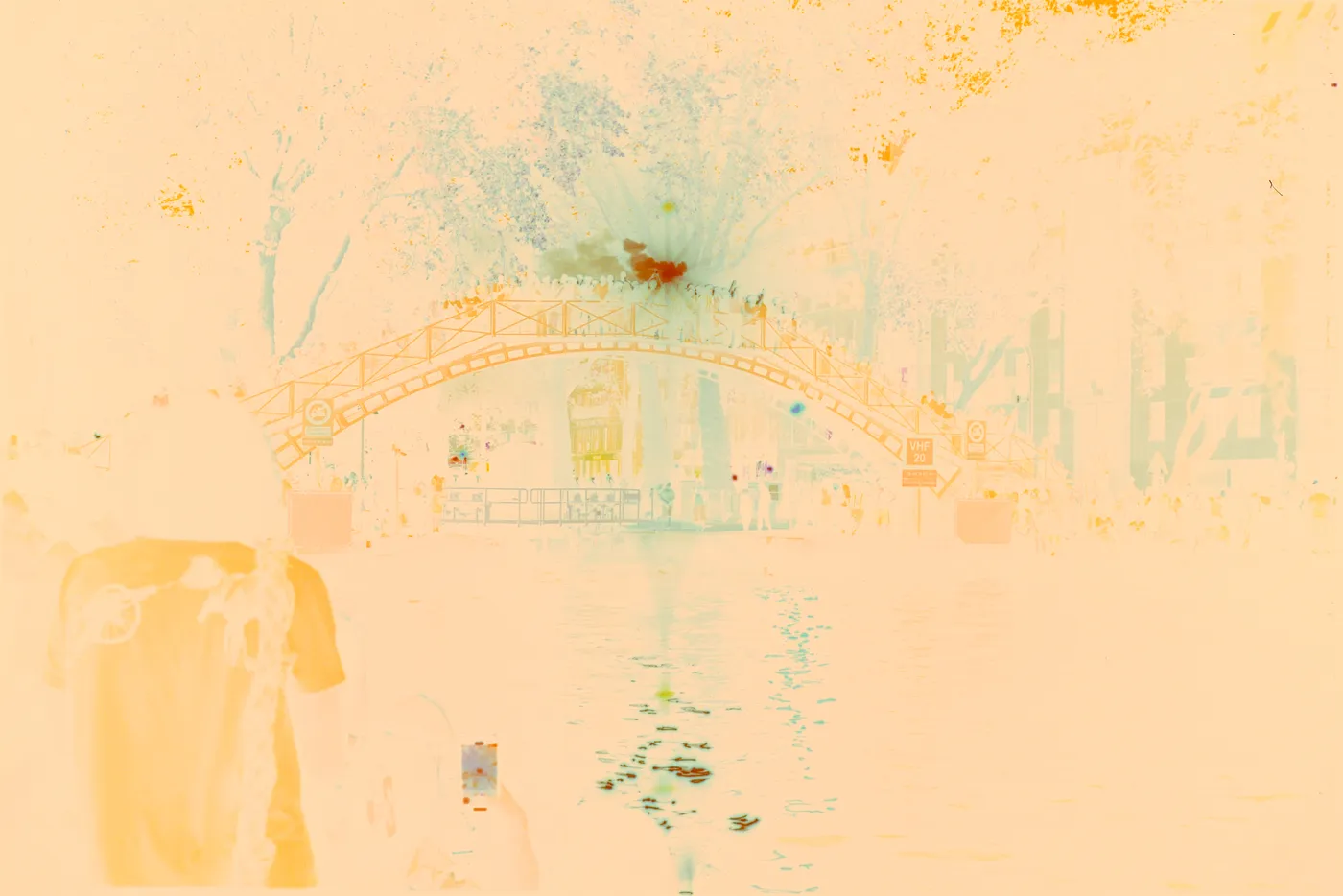
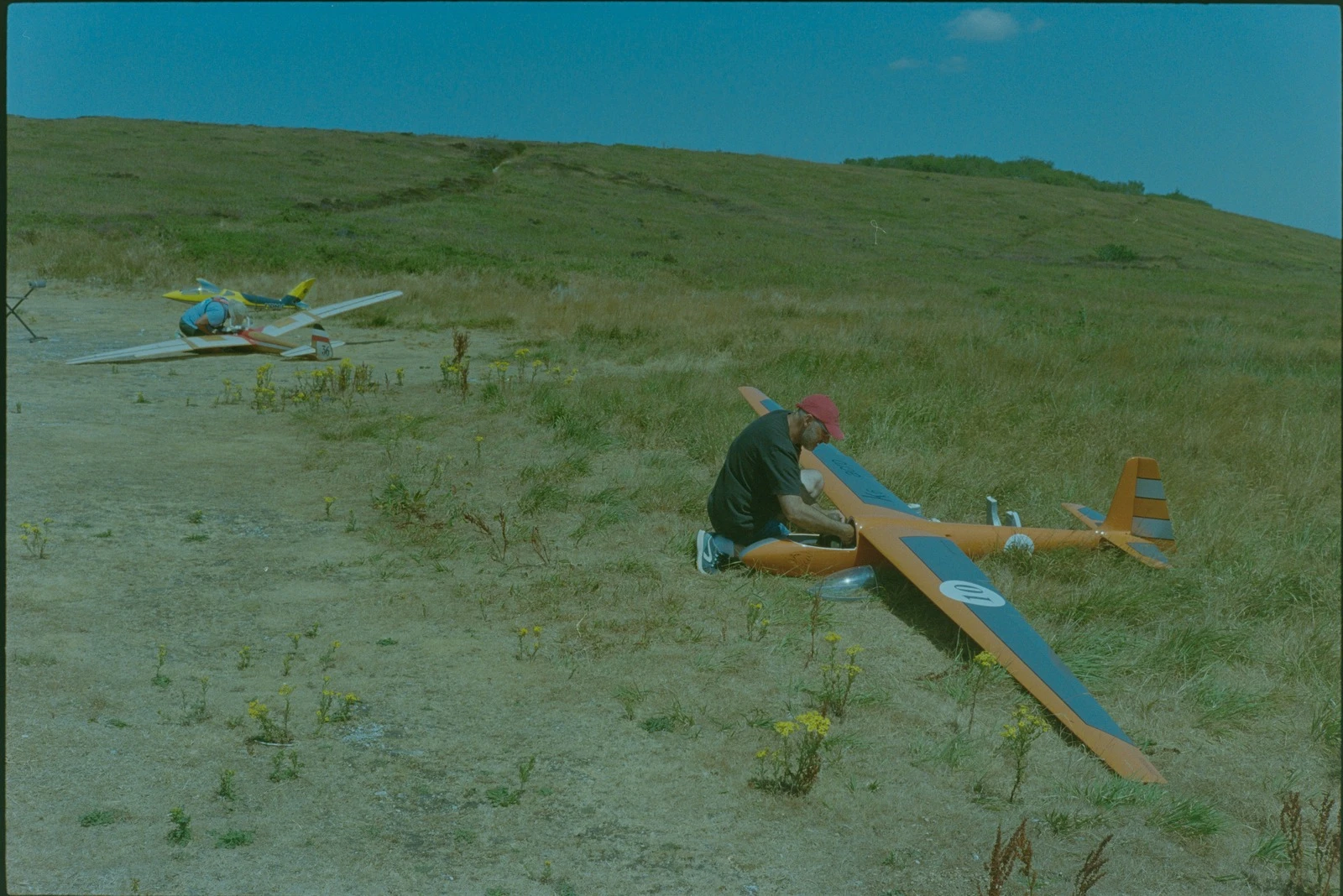
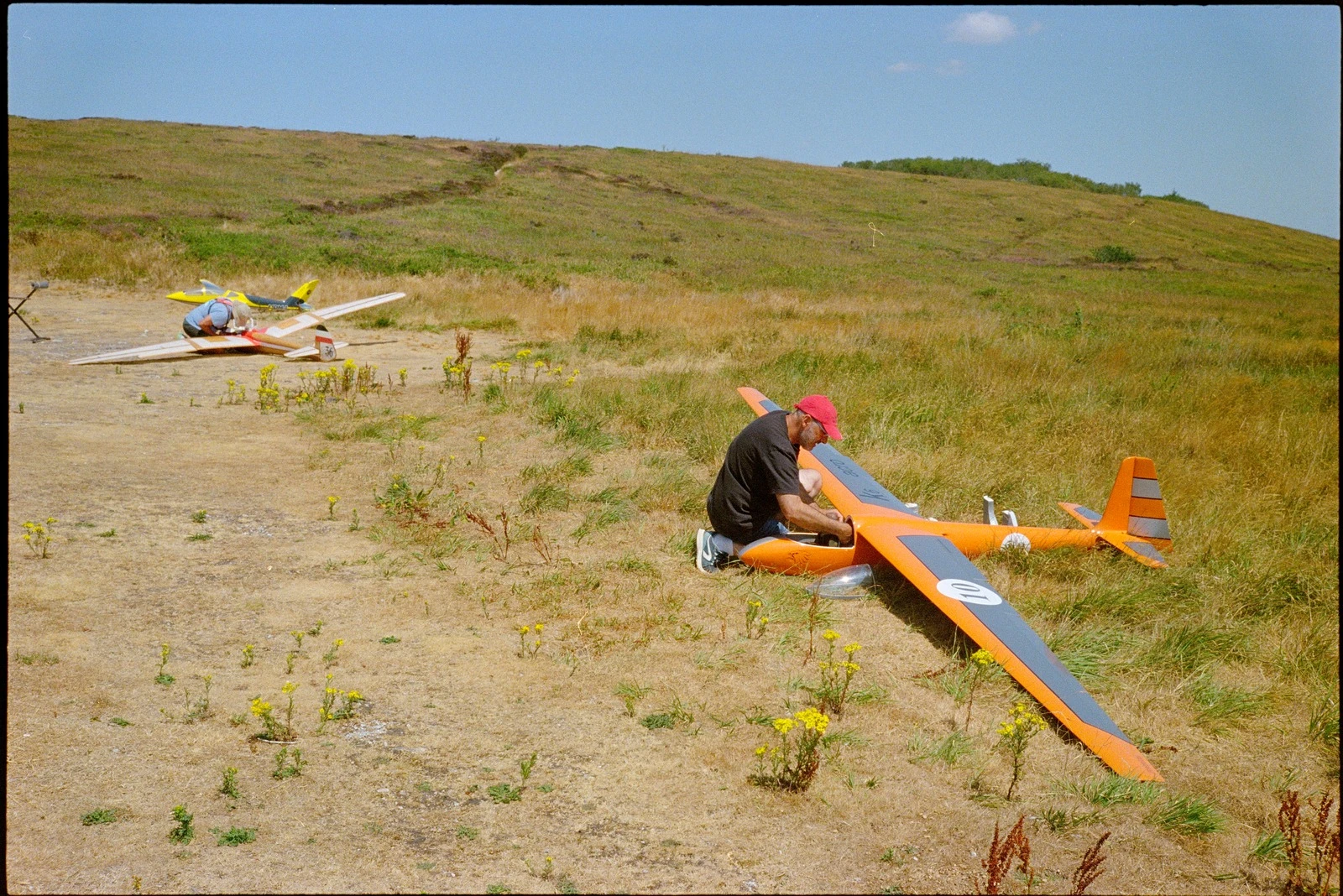
The short answer. If you already pay for Lightroom and like the colours Negative Lab Pro gives you, stay where you are. If the subscription is what you are trying to leave, a standalone converter is the only kind of alternative that actually removes it, and this one, Open Negative Initiative, is free and open source on macOS, but it hands you controls rather than a look.

Negative Lab Pro is good, it costs 99 dollars, and it runs only inside Lightroom Classic, and that last part is what sends most people looking: not the price of the plugin, but the subscription underneath it.

One of the six is free and open source. It is Open Negative Initiative, a free macOS application for converting and editing scanned film: colour negatives, positives and black & white, from a camera scan or a scanner. It runs on its own, with no host application to buy. It converts a frame in one click, and applies nothing at all until you touch something. macOS 13 or later. Apple Silicon and Intel.

No account and no trial that runs out, and the source of every version ships attached to that version.

Free, macOS 13 or later. No account, no trial limit, no watermark.

Five alternatives, compared

ToolCostNeedsPlatformTry beforeSource
Open Negative InitiativeFree, GPL-3.0NothingmacOS 13+No limit to try beforeShips with each version
Negative Lab Pro99 $ once, plus AdobeLightroom ClassicmacOS, Windows24 conversions, no watermarkClosed
Grain2PixelFreePhotoshopmacOS, WindowsFree outright?
darktable (negadoctor)Free, GPLNothingmacOS, Windows, LinuxFree outrightPublic repository, public history
Capture OneSubscription or perpetualNothingmacOS, Windows?Closed
SmartConvertPaid, perpetualNothingmacOS, WindowsDemo, watermarkedClosed

A question mark means this page has not verified that cell, not that the answer is no. Negative Lab Pro price, trial limit and Lightroom requirement from negativelabpro.com/pricing, consulted 15 August 2026. SmartConvert licensing model and demo from filmomat.eu/smartconvert, consulted 15 August 2026. Capture One negative conversion shipped in 16.7.4, March 2026, from its release notes, consulted 15 August 2026.

Read across the “Needs” column, not the “Cost” one. Two of the free entries need an application you would have to pay for, which is the difference between a free tool and a free workflow.

Which one is right for you

  • You already pay for Photoshop → Grain2Pixel. Free, lives where you already work, and there is no reason to look further until it stops being enough.
  • You already pay for Capture One → its built-in conversion. Negative Lab Pro was never an option for you anyway.
  • You are on Linux or Windows → darktable's negadoctor. It is mature, free, and the best public reference on the physics of C-41 inversion there is.
  • You want no host application and you are on a Mac → this one. Download Open Negative Initiative: free, about 13 MB, and nothing underneath it to buy.

On three of those four rows, this one is not the answer.

Where this one is different

Three decisions show themselves the moment you touch a slider:

It inverts in density, not with 1 − x

A scan is linear, so subtracting it from one packs the whole photograph into the first few percent of the range, and every control afterwards works on a badly stretched axis. On a density axis, a stop is a fixed distance wherever you are, so the sliders behave linearly in stops.

Six automatic balances, not one

Every automatic conversion assumes something about your scene. Aligning medians assumes it averages to grey, and it is right on eleven of twelve reference frames, but wrong on a dusk sky that is blue. So there are six, they run only on a click, they show what they propose before acting, and ⌘Z undoes any of them.

Colour noise goes, grain stays

The chroma stage leaves luminance bit-identical. Grain lives in luminance, so there is no dose at which this starts eating the texture you shot film for.

Color · Density ceiling

Ceiling2.097

Automatic balance

Crop before using the automatic balance

Color · Colour

Colour density (same as saturation)+0 %

Color · Colour

Temperature+0 %

Color · Lighting

Exposure0.670

Color · Effects

Contrast+0 %
A few of the controls, at the size they are in the panel. None of them is doing anything until you touch it.

No trip back to Lightroom

Convert here and the roll stays here too. Archive keeps every roll boxed and named; Projects pull frames from any roll into one place to edit and export together, for a themed set or a delivery, so there is nothing left to synchronise back into a catalogue.

Your existing Negative Lab Pro conversions are not picked up: they are settings in your Lightroom catalogue, not in your RAW files, and this application does not read them, so a frame converted there starts again from the scan. And the RAW stays exactly as it is, because nothing here modifies an original.

What it is not

  • Not on Windows or Linux. macOS 13 or later, and that is a real limit.
  • Not finished. It is in alpha; defaults still move between versions.
  • No frame detection and no dust removal. A strip photographed in one shot is cropped frame by frame, and dust is dealt with somewhere else.
  • Framing does not travel with a paste. Settings paste row by row over a whole selection; the crop never does, so a paste cannot destroy a hand-drawn frame. The price is real: on a copy stand where the rig never moves, a 36-frame roll is still 36 crops drawn by hand.
  • No copyright or IPTC fields on export. The capture date is the only metadata carried over. The remedy is one exiftool command over the folder, spelled out on the download page, or a metadata preset applied on import if a catalogue is still in the picture.
  • Not derived from Negative Lab Pro. Nothing in it is reverse-engineered from it. C-41 physics is public, and that is where the app's behaviour comes from.

The full list is at the bottom of the features page, under the same heading.

Head to head

Each gets its own comparison, because “which is better” has a different answer every time. They all live under the comparison hub:

  • Capture One. Its own negative conversion arrived in 16.7.4. What each does differently, and who should stay.
  • darktable negadoctor. Both free, both GPL, both standalone. They differ in what each asks you to know first.
  • Grain2Pixel. Free, excellent, and it needs Photoshop. That is the whole comparison.
  • SmartConvert. Two standalone converters that refuse to apply a look. One is paid, one is free.
  • Negative Lab Pro crack. What cracking the plugin actually saves, what the official trial gives you, and what leaving a plugin costs in time.

Questions

What is the best free alternative to Negative Lab Pro?
It depends on what you already own. If you use Photoshop, Grain2Pixel is free and lives there. If you want no host application at all, Open Negative Initiative is a standalone macOS app. If you are on Linux or Windows, darktable's negadoctor is the mature free option.
Is there an open source alternative to Negative Lab Pro?
Yes. darktable's negadoctor is GPL and runs on macOS, Windows and Linux; Open Negative Initiative is macOS only, and the full source of each version ships attached to that version. Both are free, and neither needs a host application underneath it.
Do I need Lightroom to convert film negatives?
No. Lightroom is required by Negative Lab Pro specifically, because it is a plugin. Standalone converters and darktable need nothing underneath them.
Is Open Negative Initiative a Negative Lab Pro clone?
No, and it derives nothing from it. It inverts in density so its sliders behave linearly in stops, it offers six automatic balances instead of one, and its levels are graduated in real densities, not percentages.
Does Capture One replace Negative Lab Pro?
For its own users, largely. Capture One added negative conversion in 16.7.4, March 2026, and Negative Lab Pro has never been available for it. It does not help anyone who does not already pay for Capture One.

Try it

What it does, control by control, if you would rather look before installing. The six-step guide if you have never converted a negative at all.

GET IT

Free, no account, no trial limit.