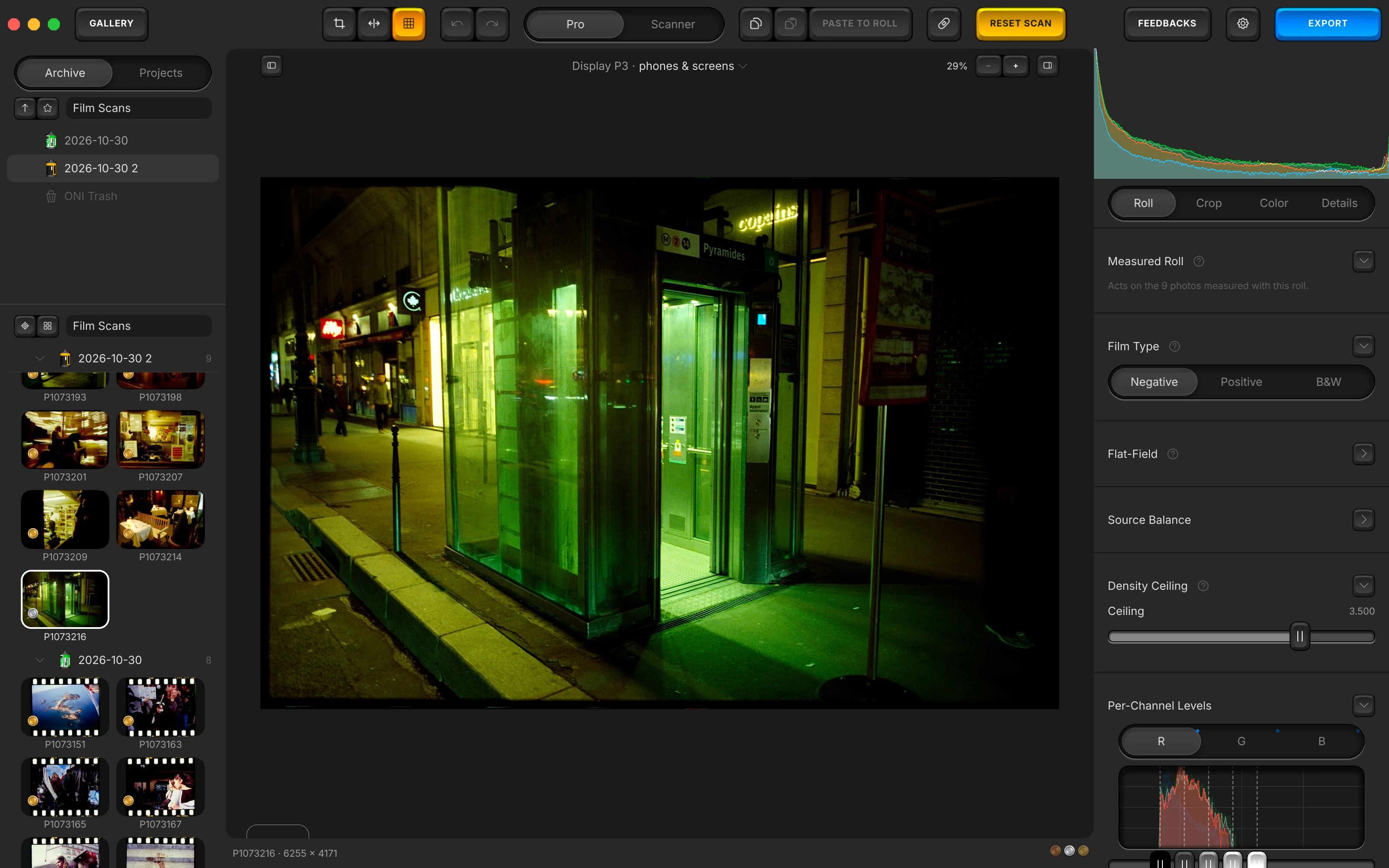
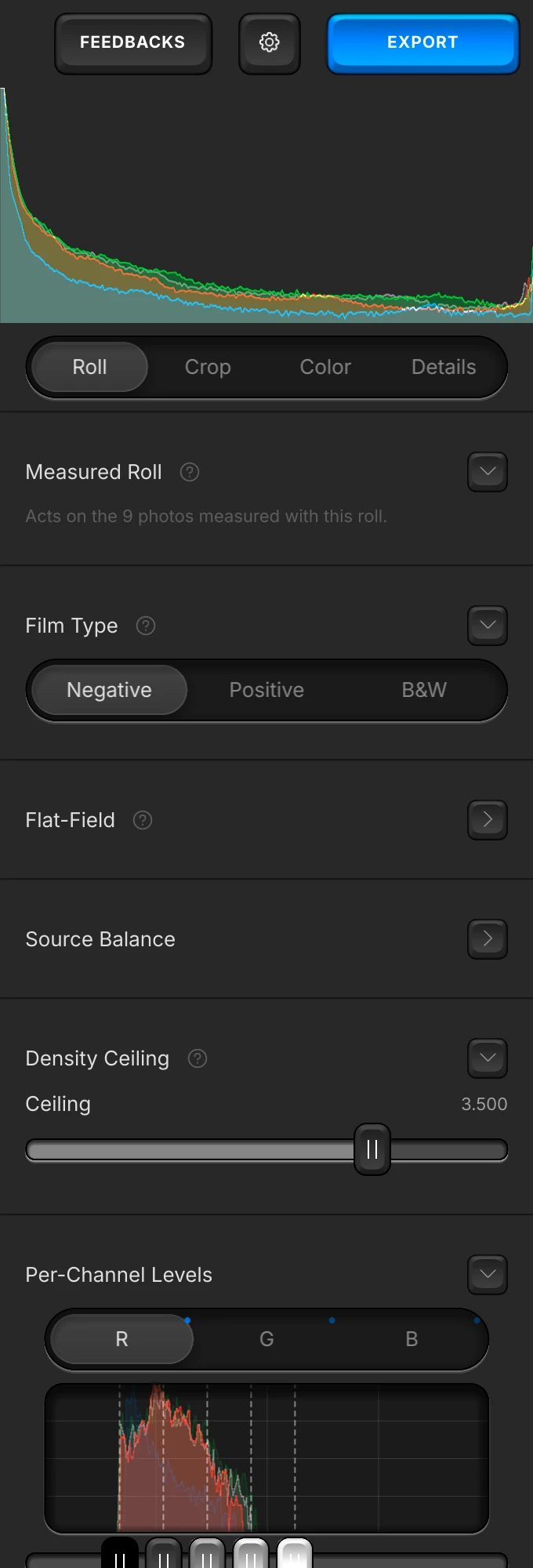
One measurement per roll. Measured from all its frames.
Prepare the Roll reads every frame and balances the roll on their median.
Convert, edit and catalogue your scanned film. Negatives, slides and black & white, from a camera or a scanner. A free film negative converter for Mac and Windows.
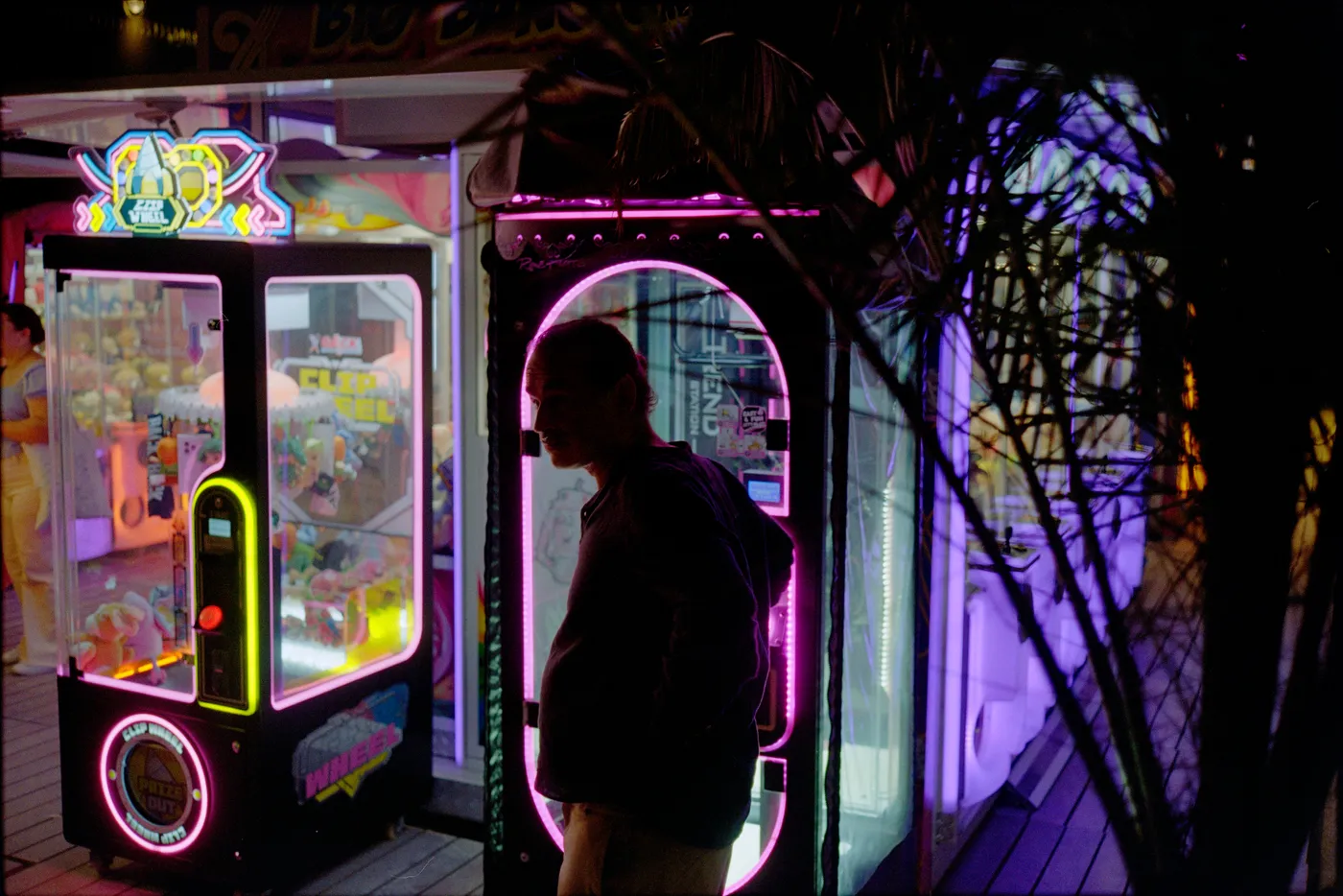
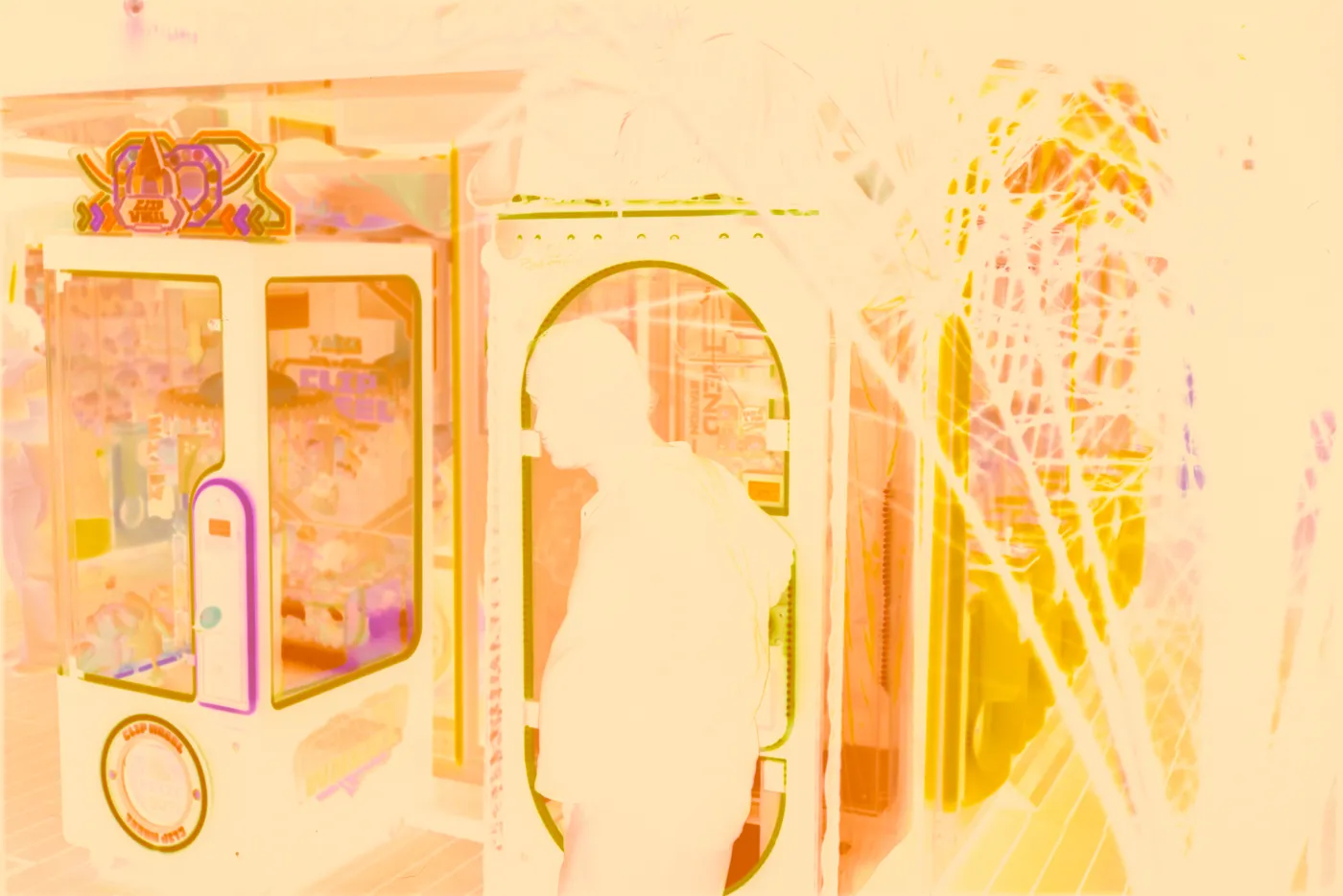
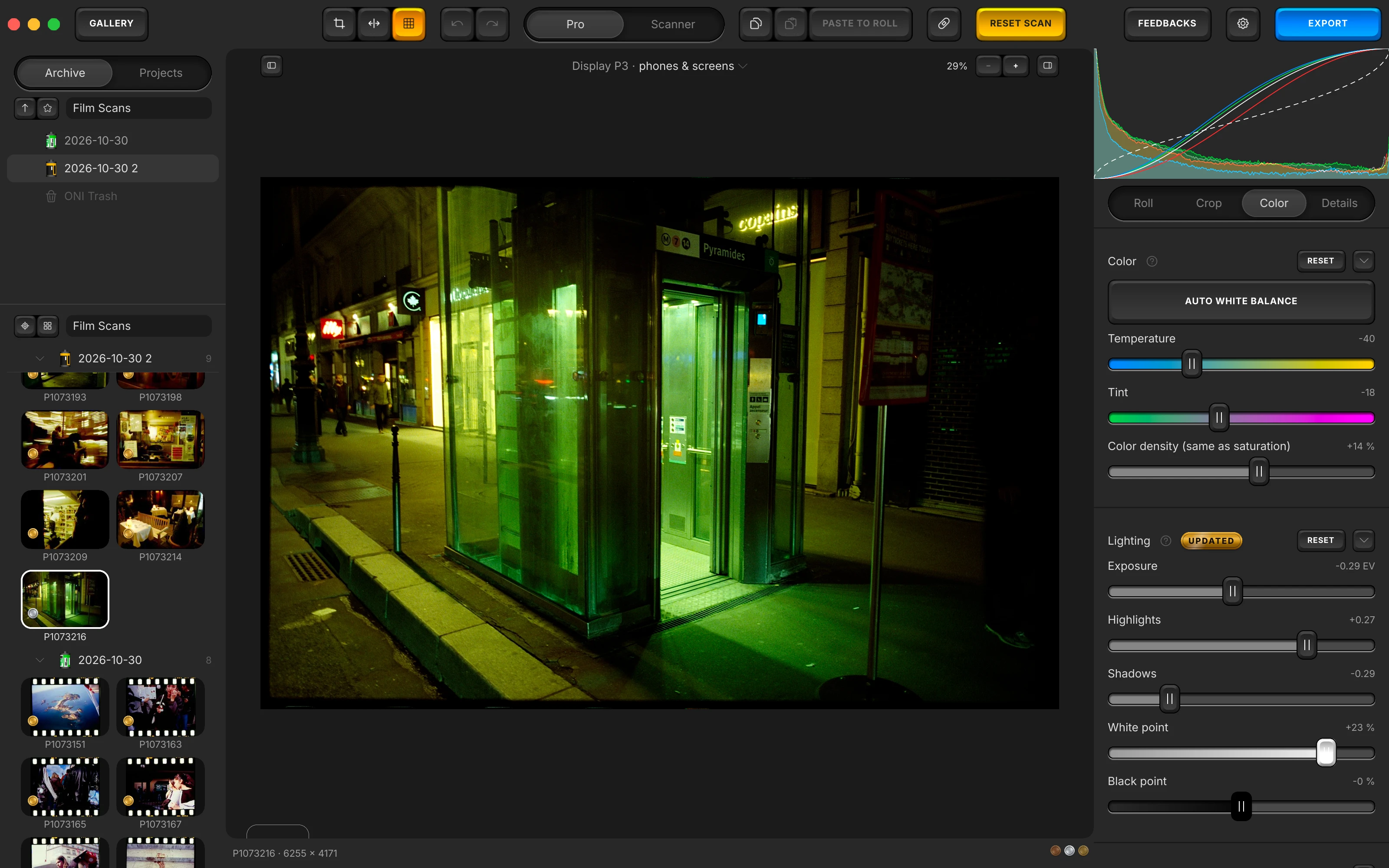
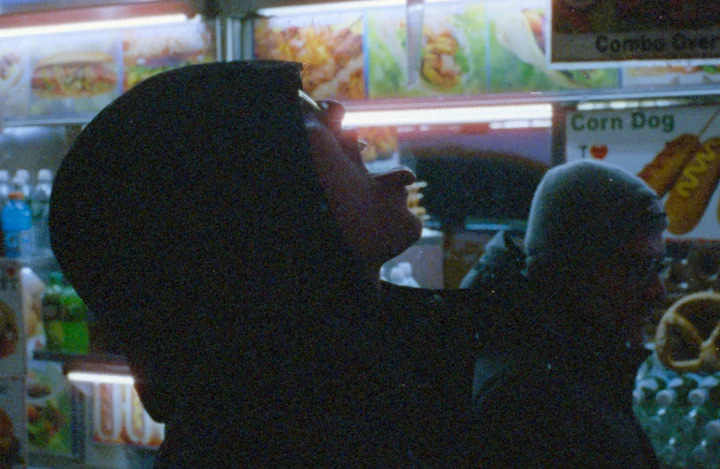
The photograph above was converted in Open Negative Initiative. This is the editor.
Scans from a camera or a scanner, your originals untouched, nothing to pay. Then what it does to your film, step by step.
Converts what you scan. Camera RAW, linear DNG, TIFF, JPEG or PNG, from a camera on a copy stand, a film scanner or a flatbed, as Negative, Positive or B&W.
Non-destructive. Your originals are never rewritten: each edit lives in a small JSON file beside its scan, and the export writes a new 16-bit TIFF or JPEG.
Free and standalone. No Lightroom, no account, no paid tier.
Prepare the Roll reads every frame and balances the roll on their median.
One working space, a paper's ICC profile included, proofed on the canvas.
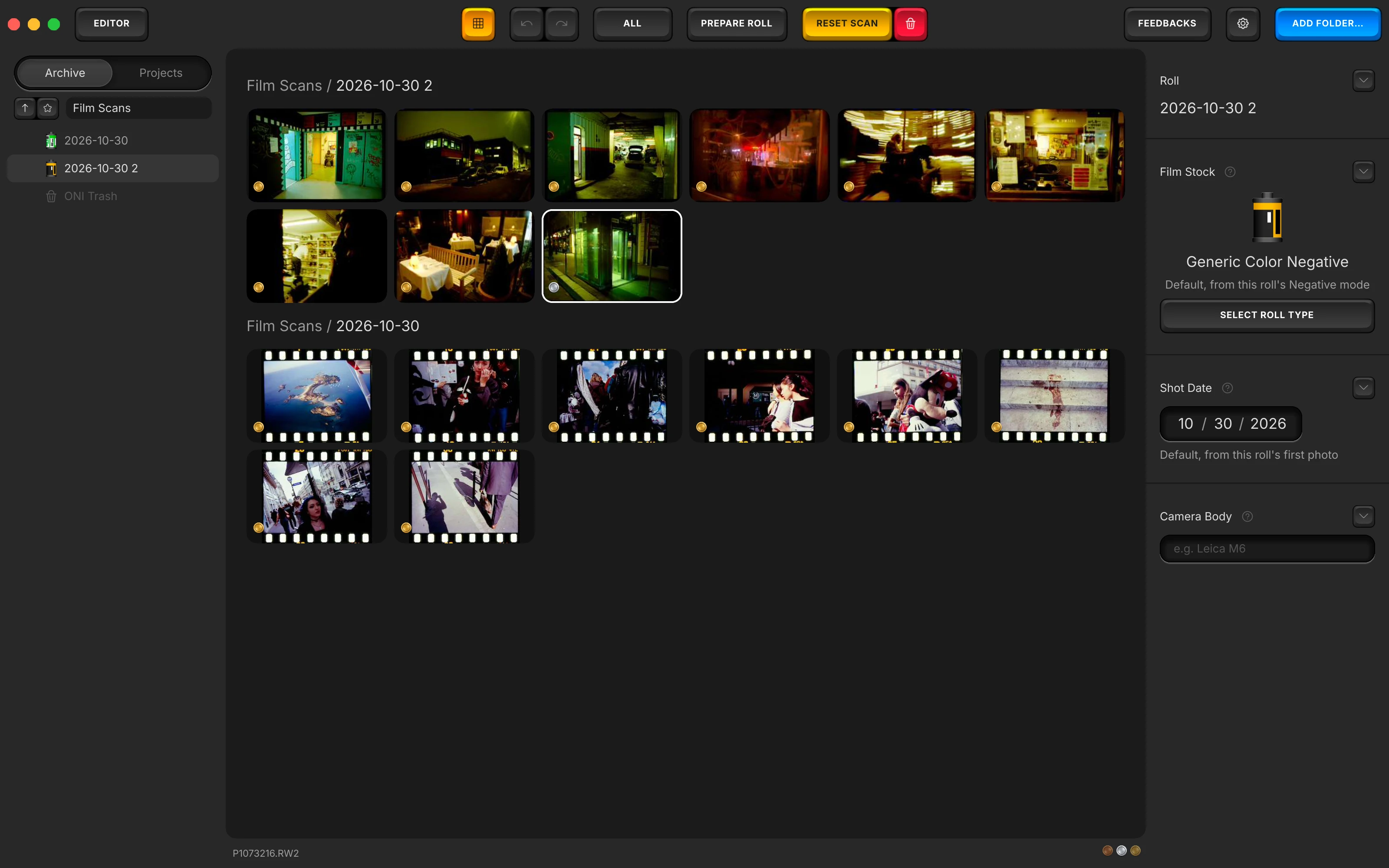
A roll is a folder, a project gathers frames across rolls, and nothing is copied.
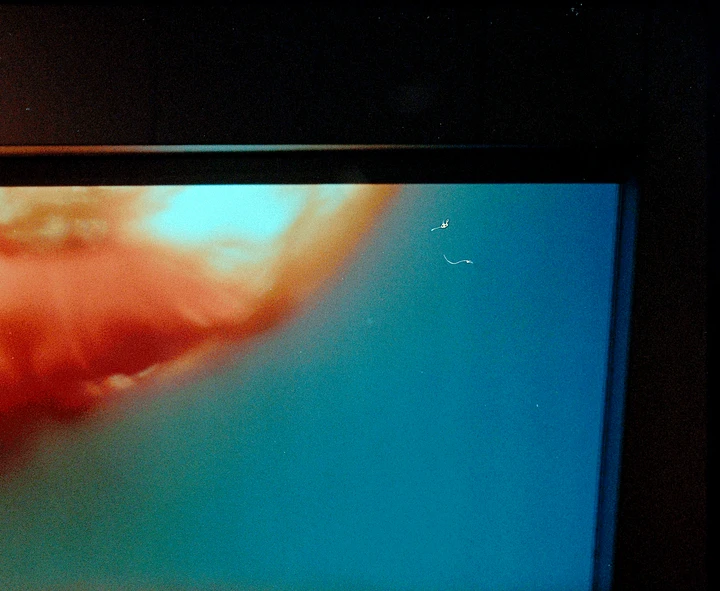
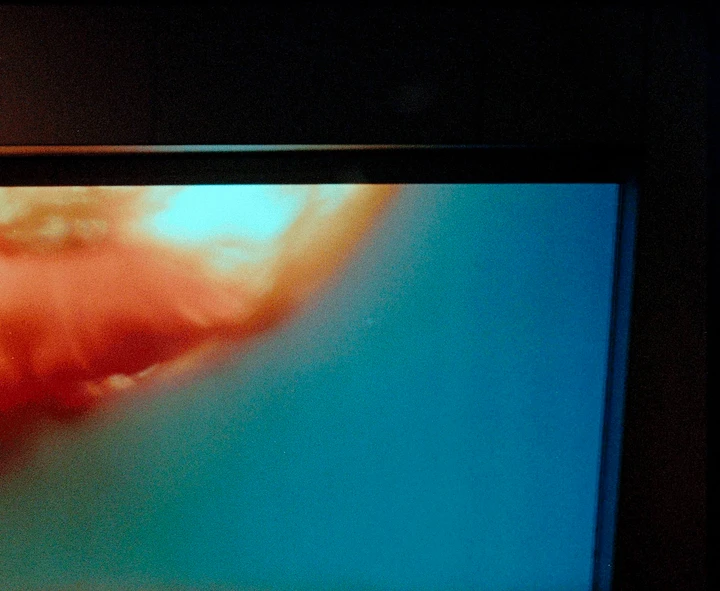
Dust on a negative prints as white specks. Paint over one, and it is filled from your own frame.
Your negative is turned back to light in density, the way film recorded it, so your highlights keep their detail.
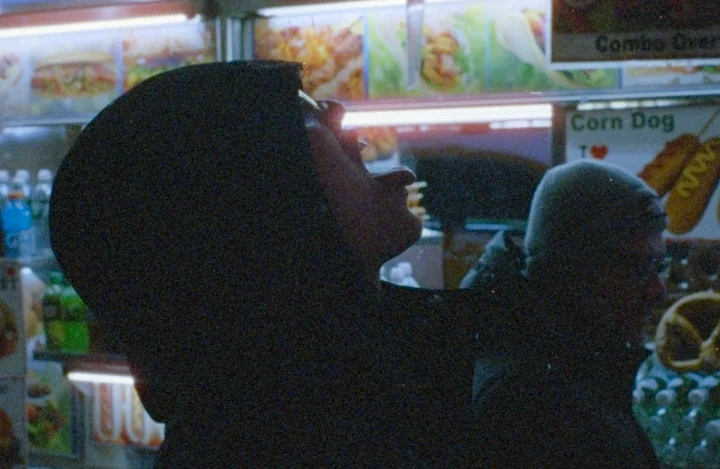
The colour noise of a dark or thin frame goes; your film's grain stays as it was.
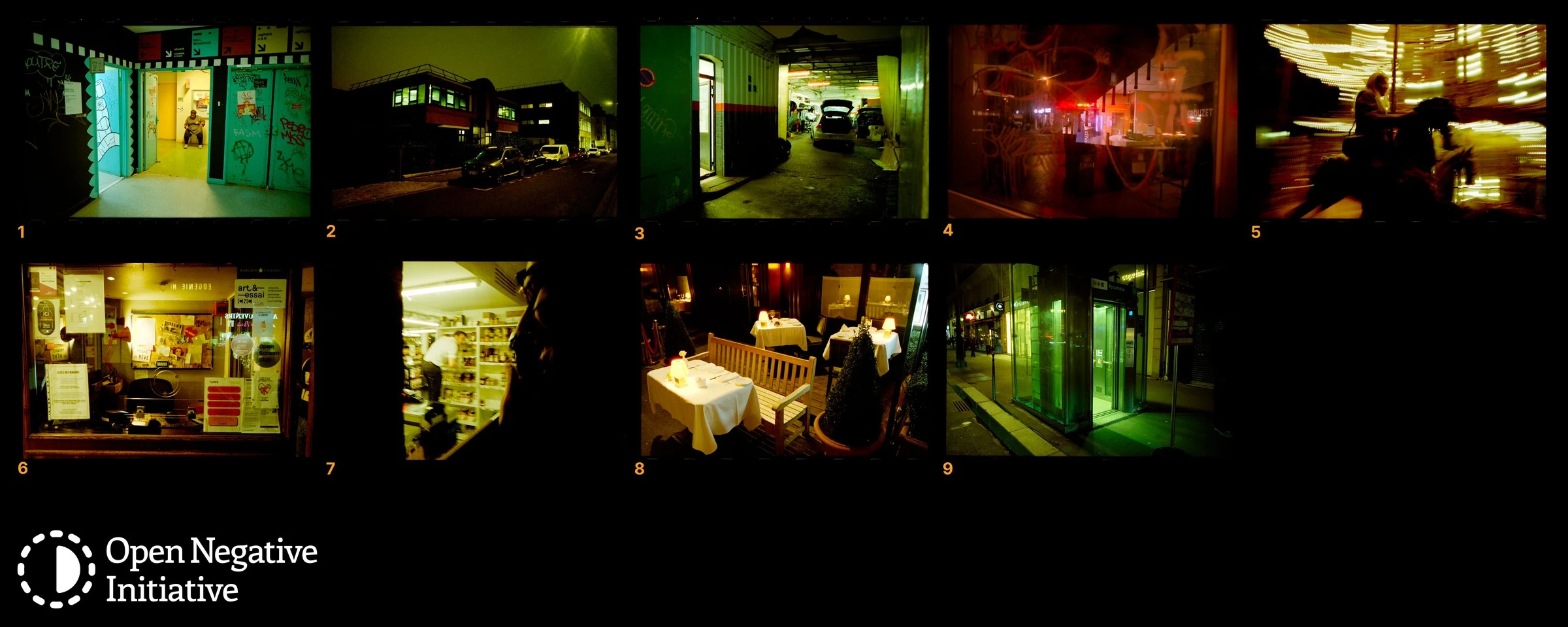
Five frames to a row, each numbered by its place on the roll.
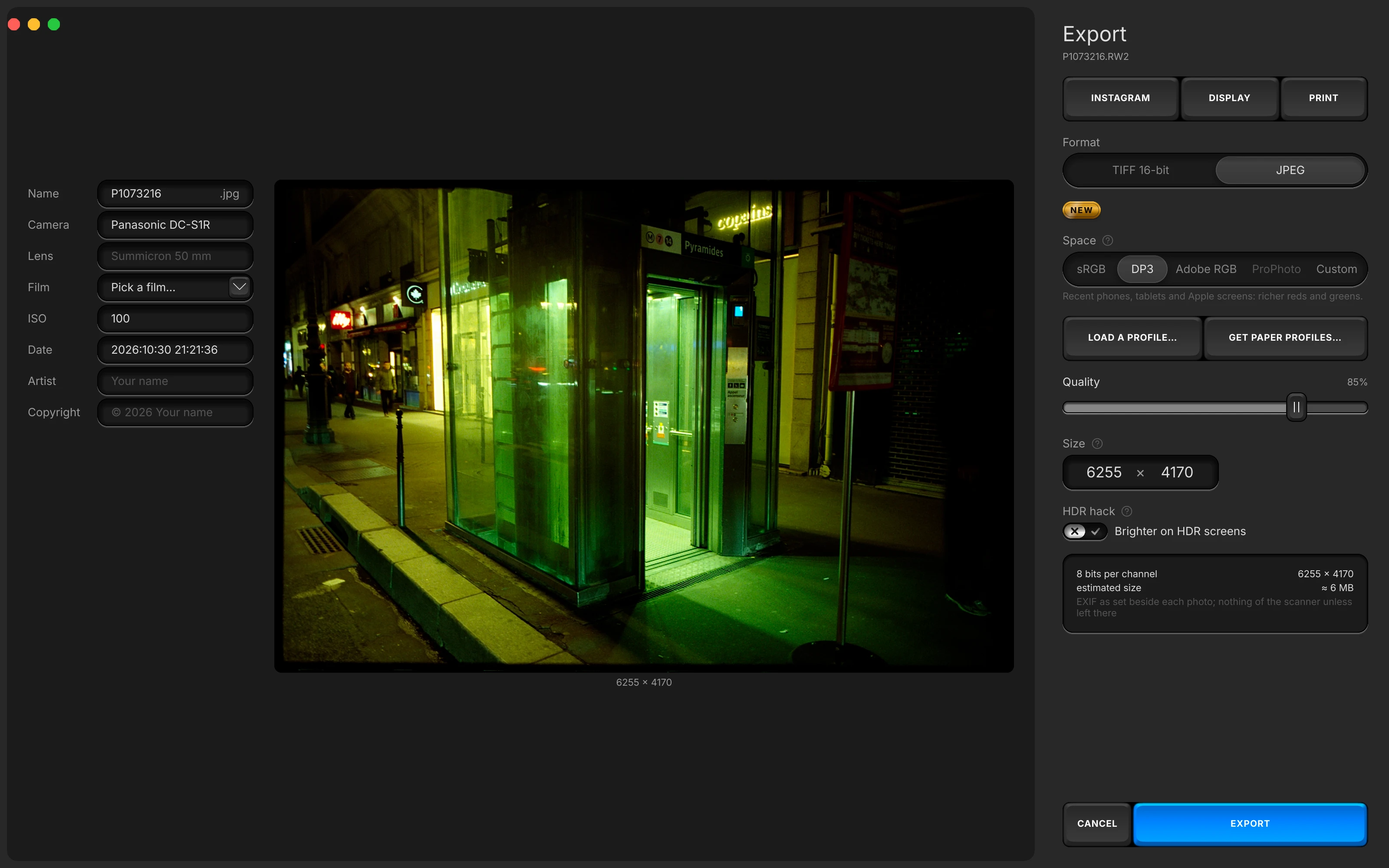
Ready for the web, a screen or a print, with your camera and film written in the EXIF.
41 stocks, by maker. Picking a colour stock also sets its dye family under Dye Separation.
 Generic Azure
 Generic Black & White
 Generic Color Negative
 Generic Color Positive
 Generic Redscale
 AgfaPhoto APX
 CineStill 400D
 CineStill 50D
 CineStill 800T
 Foma Fomapan 200
 Foma Fomapan 400
 Foma Fomapan 401
 Fujifilm Acros
 Fujifilm Fujicolor
 Fujifilm Fujicolor Pro
 Fujifilm Provia 100
 Fujifilm Superia
 Fujifilm Velvia 100
 Fujifilm Velvia 50
 Harman Phoenix
 Harman Phoenix II
 Harman Red
 Ilford Delta 100
 Ilford Delta 3200
 Ilford Delta 400
 Ilford FP4
 Ilford HP5
 Ilford Ortho
 Ilford Pan F
 Ilford SFX
 Ilford XP2
 Kodak Tri-X 400
 Kodak ColorPlus
 Kodak Ektachrome
 Kodak Gold
 Kodak Portra
 Kodak UltraMax
 Lomography LomoChrome Turquoise
 Lucky Color 200
 Mira Color 400
 Mira Color 800
Colour, set with keys modelled on lab scanner keypads. Switch the toolbar from Pro to Scanner, and each press is a step toward yellow or blue, magenta or green, cyan or red.
Press − or +, or type Y, M or C.
Double-click to bring it back to rest; Shift with − or + moves three steps.
Silent here. In the app each key clicks, and Mute Key Clicks turns that off.
GPL-3.0. The code is written in a public repository, and every release ships with its own source.
A negative converter with its own catalogue. It replaces a Lightroom and Negative Lab Pro workflow.
| App |  Open Negative Initiative Open Negative Initiative | Negative Lab Pro | Capture One |
|---|---|---|---|
| Needs another app | No | Lightroom Classic | No |
| Price | Free | $99 once, plus Adobe | Subscription or perpetual |
Negative Lab Pro is a Lightroom Classic plugin: $99 once, plus Adobe. Open Negative Initiative needs nothing underneath it and keeps the catalogue itself. Leaving the plugin? What a crack still costs, and what switching keeps.
Negative Lab Pro price and Lightroom requirement from negativelabpro.com/pricing, consulted 15 August 2026. Capture One negative conversion shipped in 16.7.4, March 2026, from its release notes, consulted 15 August 2026.
Before you download. Cost, Lightroom, scanners, film types, the orange mask, your original files, Windows and Linux.
Yes. Open Negative Initiative is free in full: no paid version waits further along, and nothing asks you to sign in. It is licensed GPL-3.0.
No. Open Negative Initiative is a standalone application, not a plugin, and it keeps the catalogue itself, so nothing goes back to Lightroom. Nothing else has to be installed, and there is no subscription underneath it.
Both. Open Negative Initiative opens the TIFF or linear DNG that a flatbed or film scanner writes, and the RAW of a camera on a copy stand. It also reads RGB Passes: a frame shot three times, under red, green and blue light, read as one negative. Prepare the Roll asks which one digitised the roll.
Yes. Open Negative Initiative reads a slide as a Positive roll and black and white as a B&W roll: pick it in the first step of Prepare the Roll, and change it later under Film Type in the Roll tab. Prepare the Roll balances a roll of slides on a white or grey you click on one slide, a cloud or a wall, and leaves each slide's blacks and whites alone; skip the click and your slides keep the camera's 5500 K.
Show it the bare film once. In Prepare the Roll, click the border or the gap between two frames: that orange becomes the black of every frame of the roll, so the cast goes with it, the same on every frame.
No. Open Negative Initiative reads your scans where they are, in the folder you add, and your settings travel with that folder, so deleting the app's index loses nothing. A file moves only when you move photos into a new roll, and Undo puts it back. Deleting a photo hides it in the ONI Trash, its file untouched.
Windows, yes: Open Negative Initiative runs on Windows 10 and 11 in 64-bit, the same application as on the Mac. It is made for those two systems, macOS and Windows.
Add your folder, prepare the roll once, export. Free, and nothing else to install.
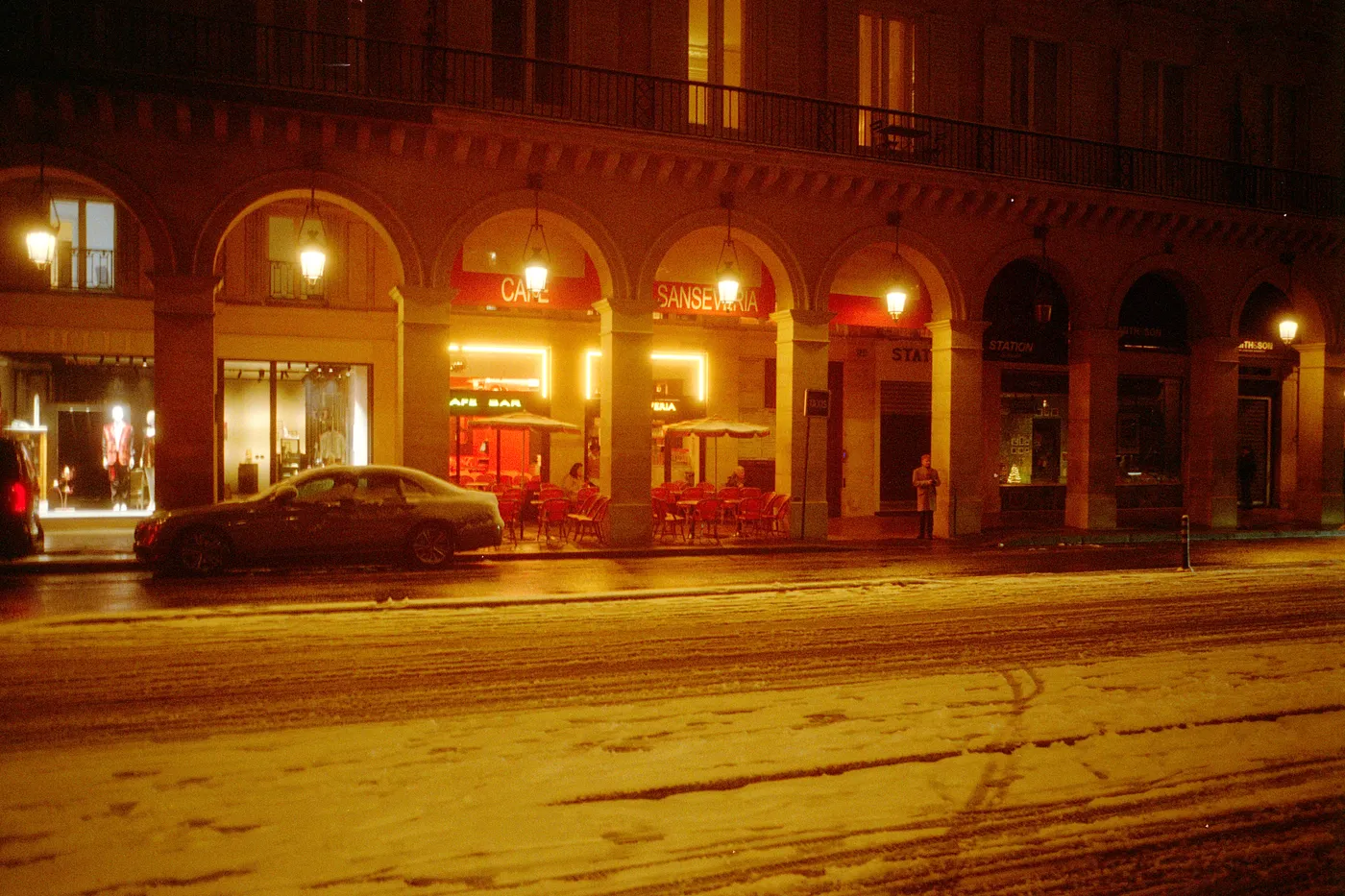
Snow night. Kodak Gold, converted in Open Negative Initiative.