Changelog
Every version of Open Negative Initiative, newest first, with the note it shipped with. When a note says whether a photo you have already adjusted renders differently, its line says so before you open it.
- Latest version
- 1.5.4, 2 November 2026
- Download
- For Mac or for Windows, free
- Follow
- The feed, or every release on GitHub
1.5.4
ONI 1.5, the slide film and contact sheet update.
- The whole roll, once measured: after Prepare the Roll, every frame shows together, numbered by its place on the film.
- Contact sheets: select a few frames, or press the orange key for the whole roll, and they lie together on one sheet.
- Export a contact sheet: the export panel exports the selection as one sheet, with a preview; the orange EXP. CONTACT SHEET key opens it.
- Slide films: Prepare the Roll balances a slide roll on a white or grey you click, its colour alone; without a click, the slides keep the camera's 5500 K.
- Contact sheets on black: every contact sheet, slides included, lies on black, numbered in orange; the logo shows under a full row of five.
- The whole scan in Prepare: every scan is shown and measured uncropped.
- RESET SCAN keeps your crop: everything goes back to rest but the framing and the conversion.
- Trash from the editor: the next frame of the roll opens in its place.
- Select all beside a photo: the folder's photos show together; a click on one shows it alone again.
- No more flicker on Windows: clicking outside the window and back no longer blanks it for an instant.
- Large 16-bit TIFFs: a 16-bit TIFF of 45 Mpx and more opens, in the editor and in Prepare the Roll.
- A scan that cannot be read says why: Prepare the Roll no longer waits on it.
- Nikon High Efficiency RAW: a click converts a folder’s HE and HE* NEF files to lossless DNGs through Adobe DNG Converter, which ONI downloads and installs when it is missing.
- One RAW decoder, the same colours everywhere: a RAW opens in the same colours on Mac and Windows. The Mac's per-camera matching to the former Apple decoder is gone; photos you already edited keep their look through their Source Balance gains until their roll is measured again.
- Windows updates itself: from 1.5.3 on, the app finds the next versions and installs them when you ask, as on the Mac; an older copy is updated once by hand.
- Compare on a contact sheet: Compare Before/After splits the whole sheet, each frame shown on its own before.
- Every frame follows: on frames shown together, switching to the Scanner face or choosing another proof redraws every frame, not the open one alone.
- Crop and De-dust wait for one frame: a crop, a measuring window or a dust spot belongs to one photo, so they are greyed while frames show together.
- Take a frame out: after Select All, a ⌘-click (Ctrl-click on Windows) in the column takes a frame out of the group, and a second puts it back.
- The folded Library shows whole: slid over the canvas, it no longer cuts its fields and stars at its edge.
- A quieter look: the raised and sunken surfaces are half as deep, the histogram lies on the scanner screen's black, and the canvas is square where it meets the panel or a folded column.
v1.5.4 on GitHub, with its download and its source
1.5.3
ONI 1.5, the slide film and contact sheet update.
- The whole roll, once measured: after Prepare the Roll, every frame shows together, numbered by its place on the film.
- Contact sheets: select a few frames, or press the orange key for the whole roll, and they lie together on one sheet.
- Export a contact sheet: the export panel exports the selection as one sheet, with a preview; the orange EXP. CONTACT SHEET key opens it.
- Slide films: Prepare the Roll balances a slide roll on a white or grey you click, its colour alone; without a click, the slides keep the camera's 5500 K.
- Slides on white: a contact sheet of slides lies on white, numbered in red under a black logo.
- The whole scan in Prepare: every scan is shown and measured uncropped.
- RESET SCAN keeps your crop: everything goes back to rest but the framing and the conversion.
- Trash from the editor: the next frame of the roll opens in its place.
- Select all beside a photo: the folder's photos show together; a click on one shows it alone again.
- No more flicker on Windows: clicking outside the window and back no longer blanks it for an instant.
- Large 16-bit TIFFs: a 16-bit TIFF of 45 Mpx and more opens, in the editor and in Prepare the Roll.
- A scan that cannot be read says why: Prepare the Roll no longer waits on it.
- Nikon High Efficiency RAW: a click converts a folder’s HE and HE* NEF files to lossless DNGs through Adobe DNG Converter, which ONI downloads and installs when it is missing.
- One RAW decoder, the same colours everywhere: a RAW opens in the same colours on Mac and Windows. The Mac's per-camera matching to the former Apple decoder is gone; photos you already edited keep their look through their Source Balance gains until their roll is measured again.
- Windows updates itself: download this version once by hand; from it on, the app finds the next versions and installs them when you ask, as on the Mac.
v1.5.3 on GitHub, with its download and its source
1.5.2
ONI 1.5, the slide film and contact sheet update.
- The whole roll, once measured: after Prepare the Roll, every frame shows together, numbered by its place on the film.
- Contact sheets: select a few frames, or press the orange key for the whole roll, and they lie together on one sheet.
- Export a contact sheet: the export panel exports the selection as one sheet, with a preview; the orange EXP. CONTACT SHEET key opens it.
- Slide films: Prepare the Roll balances a slide roll on a white or grey you click, its colour alone; without a click, the slides keep the camera's 5500 K.
- Slides on white: a contact sheet of slides lies on white, numbered in red under a black logo.
- The whole scan in Prepare: every scan is shown and measured uncropped.
- RESET SCAN keeps your crop: everything goes back to rest but the framing and the conversion.
- Trash from the editor: the next frame of the roll opens in its place.
- Select all beside a photo: the folder's photos show together; a click on one shows it alone again.
- No more flicker on Windows: clicking outside the window and back no longer blanks it for an instant.
- Large 16-bit TIFFs: a 16-bit TIFF of 45 Mpx and more opens, in the editor and in Prepare the Roll.
- A scan that cannot be read says why: Prepare the Roll no longer waits on it.
- Nikon High Efficiency RAW: a click converts a folder’s HE and HE* NEF files to lossless DNGs through Adobe DNG Converter, which ONI downloads and installs when it is missing.
- One RAW decoder, the same colours everywhere: a RAW opens in the same colours on Mac and Windows. The Mac's per-camera matching to the former Apple decoder is gone; photos you already edited keep their look through their Source Balance gains until their roll is measured again.
v1.5.2 on GitHub, with its download and its source
1.5.1
ONI 1.5, the slide film and contact sheet update.
- The whole roll, once measured: after Prepare the Roll, every frame shows together, numbered by its place on the film.
- Contact sheets: select a few frames, or press the orange key for the whole roll, and they lie together on one sheet.
- Export a contact sheet: the export panel exports the selection as one sheet, with a preview; the orange EXP. CONTACT SHEET key opens it.
- Slide films: Prepare the Roll balances a slide roll on a white or grey you click, its colour alone; without a click, the slides keep the camera's 5500 K.
- Slides on white: a contact sheet of slides lies on white, numbered in red under a black logo.
- The whole scan in Prepare: every scan is shown and measured uncropped.
- RESET SCAN keeps your crop: everything goes back to rest but the framing and the conversion.
- Trash from the editor: the next frame of the roll opens in its place.
- Select all beside a photo: the folder's photos show together; a click on one shows it alone again.
- No more flicker on Windows: clicking outside the window and back no longer blanks it for an instant.
- Large 16-bit TIFFs: a 16-bit TIFF of 45 Mpx and more opens, in the editor and in Prepare the Roll.
- A scan that cannot be read says why: Prepare the Roll no longer waits on it.
- Nikon High Efficiency RAW: a click converts a folder’s HE and HE* NEF files to lossless DNGs through Adobe DNG Converter, which ONI downloads and installs when it is missing.
v1.5.1 on GitHub, with its download and its source
1.5.0
ONI 1.5, the slide film and contact sheet update.
- The whole roll, once measured: after Prepare the Roll, every frame shows together, numbered by its place on the film.
- Contact sheets: select a few frames, or press the orange key for the whole roll, and they lie together on one sheet.
- Export a contact sheet: the export panel exports the selection as one sheet, with a preview; the orange EXP. CONTACT SHEET key opens it.
- Slide films: Prepare the Roll balances a slide roll with one set of gains for every slide, its blacks and whites left as they are.
- Slides on white: a contact sheet of slides lies on white, numbered in red under a black logo.
- The whole scan in Prepare: every scan is shown and measured uncropped.
- RESET SCAN keeps your crop: everything goes back to rest but the framing and the conversion.
- Trash from the editor: the next frame of the roll opens in its place.
- Select all beside a photo: the folder's photos show together; a click on one shows it alone again.
v1.5.0 on GitHub, with its download and its source
1.4.2
Updates now install themselves, on Mac and Windows.
- One click to update: ONI downloads the new version, checks its signature, quits, swaps itself and reopens; the old version is removed only once the new one runs.
- Coming from 1.4.0 or 1.4.1, this one update still lands in Downloads: open it once by hand, and every update after installs itself.
v1.4.2 on GitHub, with its download and its source
70 older versions on the archive, back to the first one. The 11 oldest notes are in French, as they were published.
Convert your first roll tonight.
Add your folder, prepare the roll once, export. Free, and nothing else to install.
- Mac
- macOS 13 or later on Apple Silicon or Intel
- Windows
- Windows 10 or 11 (64-bit)
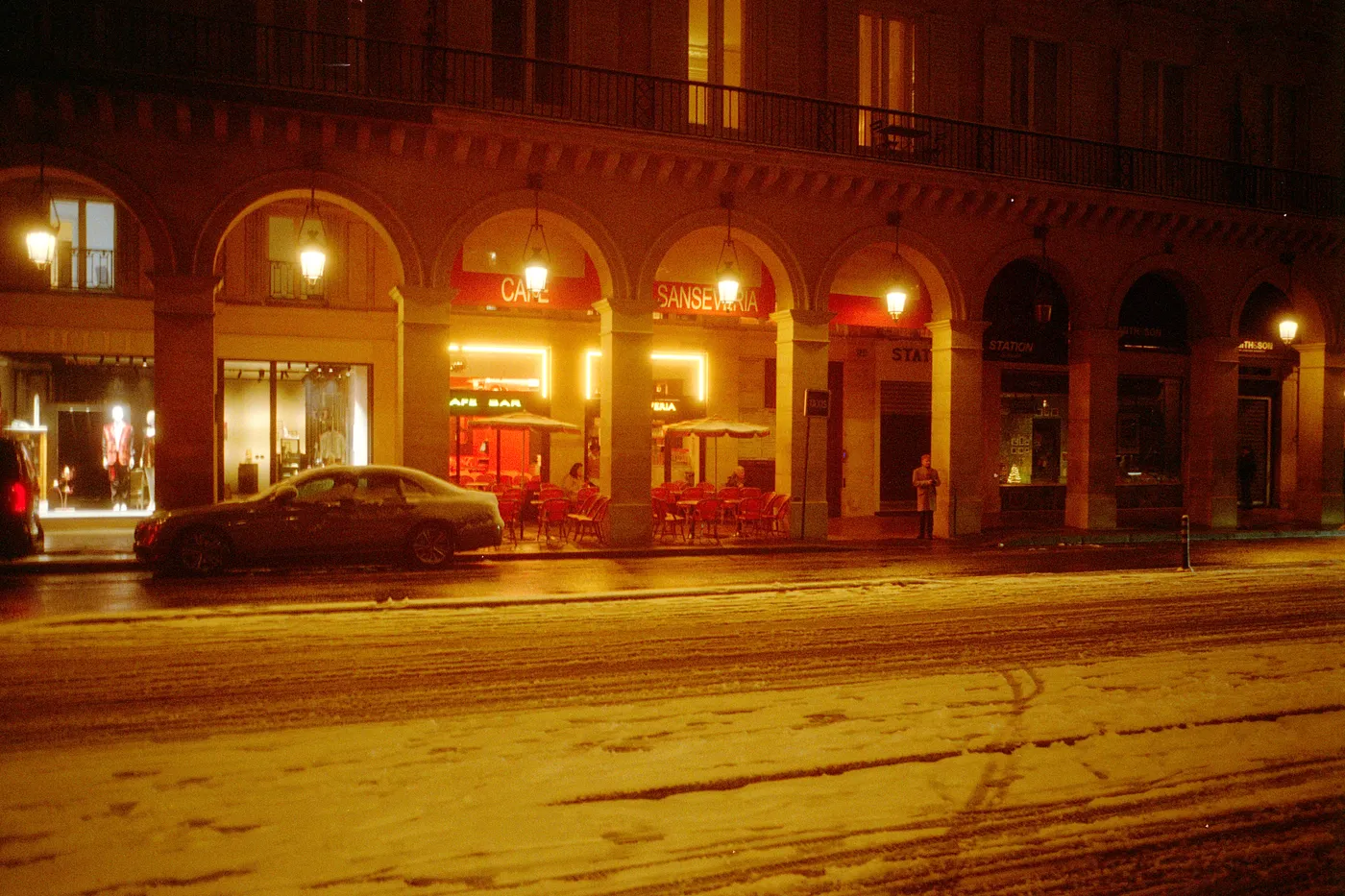
Snow night. Kodak Gold, converted in Open Negative Initiative.