Film scanning glossary
26 words, from the orange mask to the quantile, in plain language. What each one means for your negative, and where Open Negative Initiative uses it.
The film and its light.
What your negative is, and what a scan of it records. The picture is in how much light each part of the film holds back.
- Orange mask
- The orange tint of a colour negative's base, built into the film to correct its dyes. It is why a raw scan looks orange. Click the bare film in Prepare the Roll and the app takes that orange as the black of every channel.
- Manual Pick the Film Base
- Film base
- The clear support the emulsion is coated on. On a colour negative it carries the orange mask; where no light reached the film, only the base is left, at the border and between the frames.
- Manual Pick the Film Base
- C-41
- The development process of colour negative film. Nearly every colour negative sold today is a C-41 film, which is why one way of converting covers so many stocks.
- E-6
- The process of colour slide film. A slide is already a positive, so it is not inverted: choose Positive in Prepare the Roll.
- Manual Film Type
- Slide
- A colour positive on transparent film, also called a transparency or reversal film. In place of the film base, you click a white or grey on one slide, and Prepare the Roll gives the whole roll one colour balance.
- Manual Film Type
- Grain
- The texture of the image itself: clouds of dye in a colour film, clumps of silver in black and white. It lives almost entirely in the brightness, which is why colour noise can be smoothed while the grain stays.
- Feature Chroma denoise
- Camera scanning
- Photographing your film with a digital camera over a light panel instead of a film scanner. Prepare the Roll calls it DSLR Scan, and a shot of the empty panel evens out your light.
- Manual Flat-field
- Rebate
- The unexposed border of your film strip, around and between the frames. On a colour negative it is the bare orange film base, and clicking it in Prepare the Roll sets every channel's black.
- Manual Pick the Film Base
- Transmittance
- The share of light your film lets through: at 0.1, a tenth of what falls on it. A raw scan records transmittance, which is why it has to be converted before it looks like a photograph.
- Feature Density inversion
- Density
- How much light your film blocks, the base-ten logarithm of one over its transmittance. Density 1 passes a tenth of the light, 2 a hundredth, 3 a thousandth.
- Feature Density inversion
- Stop
- A doubling or a halving of light. On a density axis a stop is always the same distance, about 0.3, wherever it falls. On a linear scale it is a tiny step in the shadows and a huge one in the highlights.
- Feature Density inversion
- Linear, or scene-linear
- Numbers proportional to the light that reached the sensor, with no curve applied. A camera RAW is linear; a JPEG or a finished scanner TIFF is not, a curve is already baked into it.
- Feature Density inversion
Measuring the roll.
How the app reads your scans before it converts them. Every value lifted off zero, counted on one window, balanced with the rest of its roll.
- Pedestal
- A tiny value added to every pixel before the logarithm is taken: a logarithm has no answer at zero, and a scan does contain zeros. Adding it everywhere keeps dark pixels apart, where clipping them would merge them for good. Density Ceiling sets its size, resting at 2.097 for a scanner's file and 3.5 for a camera RAW negative.
- Manual Density Ceiling
- Median
- The 0.5 quantile: the value half the pixels sit below. Lining up the medians of red, green and blue assumes the scene averages to grey, true of many photographs and false of a sunset. Auto White Balance reads a sixth-power mean instead, known as Shades of Gray, and lays only part of its correction, so a warm scene keeps some of its warmth.
- Feature One measurement per roll
- Flat-field correction
- Dividing your frames by a photograph of the empty light panel, shot on the same rig, to remove the falloff of the lens and the unevenness of the light. In the app it runs before everything else.
- Manual Flat-field
- Numerical guard
- The floor under the pedestal, at an eighth of it, three stops lower, that catches whatever still falls below. Values piled on it are the ones no setting can separate.
- Feature Density inversion
- Graduation window
- The stretch of the density axis your levels are drawn on: from −0.35 to 3.0 on a negative, mirrored on a positive. It starts below zero because a scan can pass more light than the reference, and those pixels have to stay reachable.
- Manual Per-channel levels
- Quantile
- The value below which a given share of the pixels sit: the 0.9 quantile is the value 90% of your picture is darker than. Measuring a roll reads them, then sets each channel's gain on the median of the roll's frames and reads its black and white a fifth of the way in from the darkest and the brightest frames, so one light leak never sets the range.
- Feature One measurement per roll
Colour.
Why a colour negative is hard to invert, and how a print puts it right. Three layers, three curves, one lamp with three dials.
- Characteristic curve
- The graph of how much density one layer of your film builds for a given amount of light. Each colour layer has its own, and they do not climb at the same rate: that is the whole difficulty of a colour negative, and why one correction for the whole picture cannot undo it.
- Gamma
- The steepness of an image's tone curve. A colour negative is exposed at a gamma near 0.6 and colour paper works around 2.5 to 3, so the print comes out at about 1.6. A scan skips the paper, so that contrast has to be put back.
- Colour head
- The part of a darkroom enlarger that doses the red, green and blue of its lamp separately: three gains, one per channel, applied before everything else. Also called a dichroic head.
- Feature One measurement per roll
- Luma and chroma
- The two halves of a colour: how bright it is, and which colour it is. Film grain lives almost entirely in the brightness, which is why colour noise can be smoothed away without touching the grain.
- Feature Chroma denoise
Your files.
What happens to the file you open, and to the edits you make. Read once, and never written to.
- Demosaicing
- The step that turns the single-colour reading under each photosite of a camera sensor into a full colour image. The app does it once, when it reads your camera RAW, before anything else.
- Sidecar
- A small file the app writes beside each original, holding every setting for that photograph. Your original is never written to, and your edits travel with the folder.
- Feature Archive and projects
- Contact sheet
- A whole roll on one sheet, its frames side by side, to choose which ones to print. In the app you open a roll's frames together, five to a row, and export them as one sheet.
- Feature Contact sheet
- ICC profile
- A file that describes how a screen, a printer or a paper shows colour. Choose a paper's profile and the canvas proofs your photo in it, so what you edit is what the export writes.
- Feature Colour management
Where these words do their work.
Four features use them to explain what happens to your negative. Each page defines a word again where it first appears.
None of this is needed to start.
Open your scans, prepare the roll, export. The guide gets you to an exported photo without one word of this page.
Convert your first roll tonight.
Add your folder, prepare the roll once, export. Free, and nothing else to install.
- Mac
- macOS 13 or later on Apple Silicon or Intel
- Windows
- Windows 10 or 11 (64-bit)
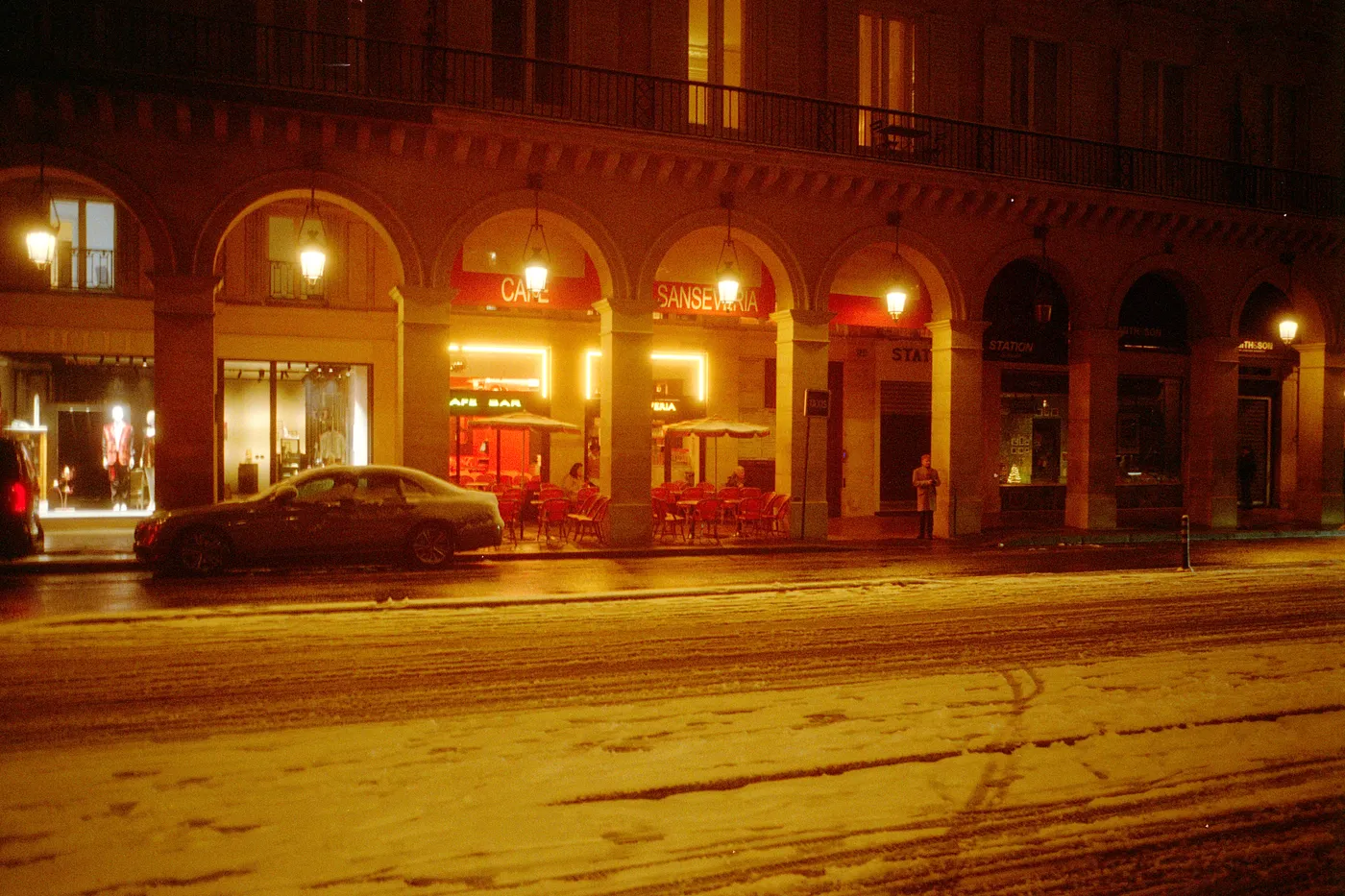
Snow night. Kodak Gold, converted in Open Negative Initiative.