The manual
The manual of Open Negative Initiative, surface by surface. One page per part of the app, one row per control: what it does to your photo, its numbers, and what travels with it.
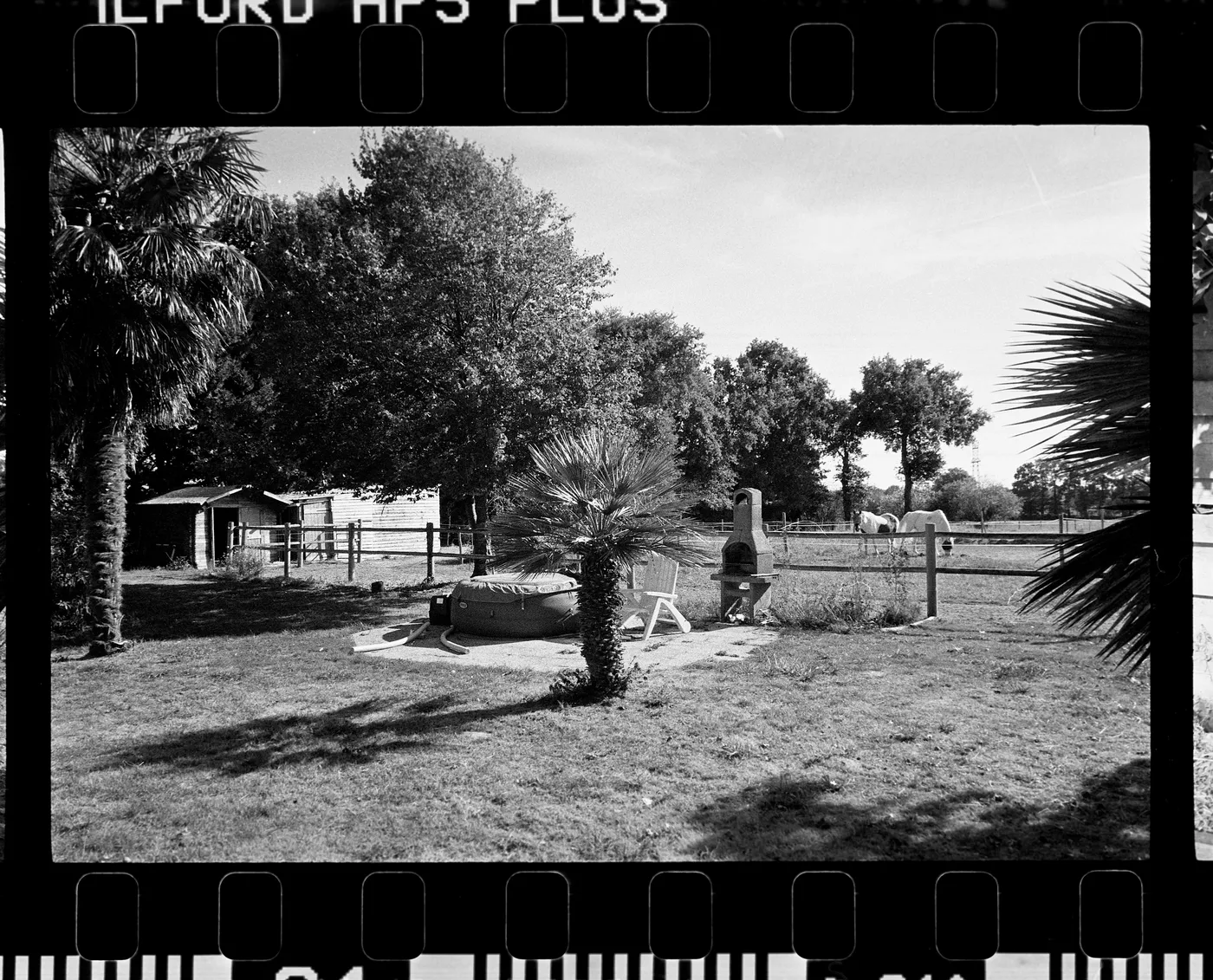
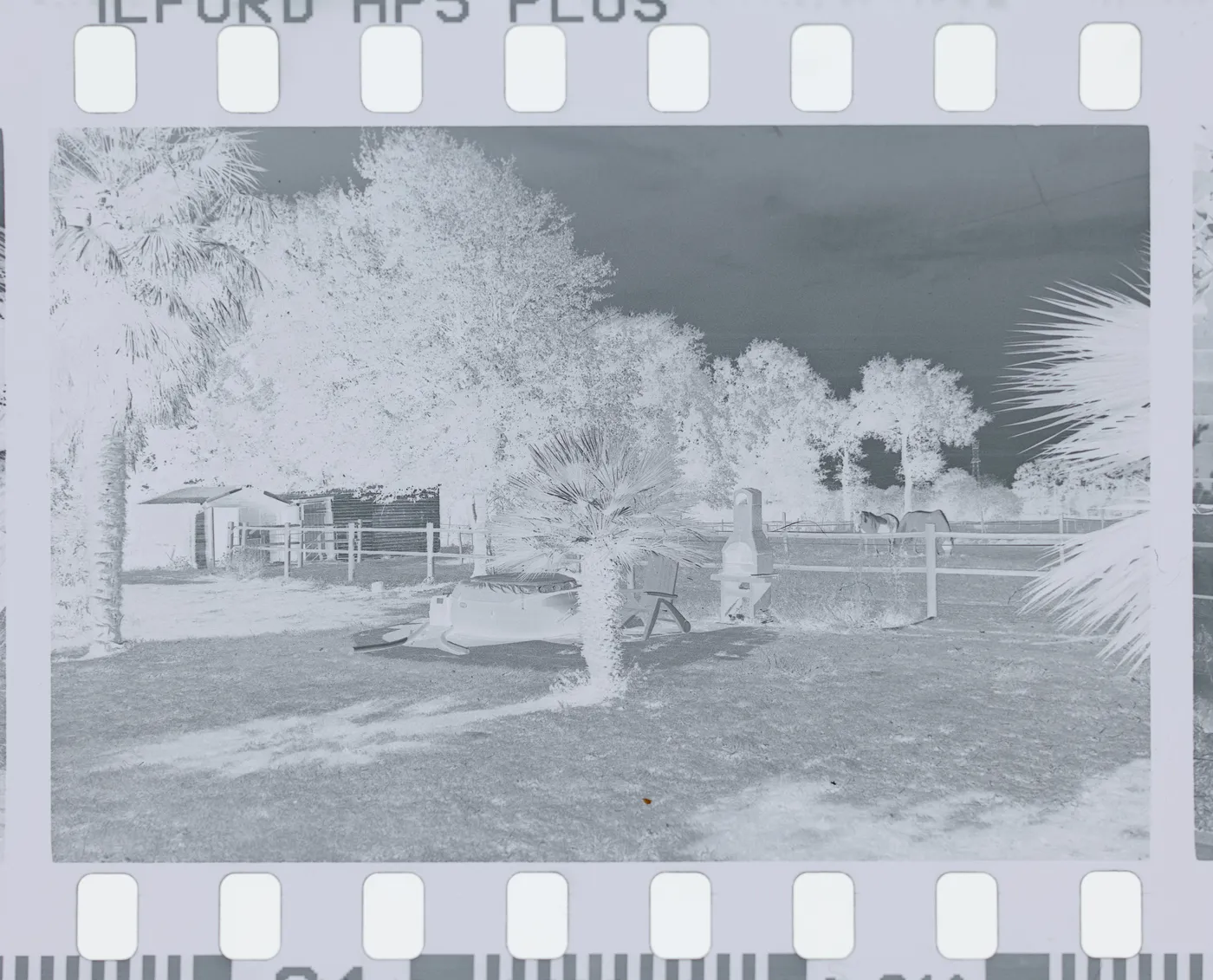
Garden paddock, Ilford HP5, converted in Open Negative Initiative.
Every surface, in the order of your work.
Eleven pages. From the folder of scans to the exported file.
- ArchiveOpen the folder of your film scans, make each film a roll, gather frames into projects, and restore a deleted photo from the ONI Trash. Nothing is copied.19 entries
- Prepare the RollFive steps before your roll is edited: film type, flat-field, film base, flagged frames and the measuring frame. Then Measure converts every frame.12 entries
- RollFilm type, flat-field, levels and Balance Strength: what one roll of film shares, and how each control changes every frame of it.15 entries
- CropCrop your film scans to a ratio, straighten them, turn and mirror them, and set the measuring window. The framing has its own Copy and Paste.6 entries
- ColorWhite balance, exposure, contrast and curves for your converted film scans: every control of the Color tab, and what it does to your photo.14 entries
- DetailsSharpening, chroma denoise and texture for your film scans: the stages that act on the grain, judged in the loupe at full resolution.3 entries
- De-dustPaint over the dust and scratches of your film scans with a brush, set its size, and read every correction painted on the photo in one list.2 entries
- ScannerEdit a film scan like a lab scanner: the ONI or Frontier render, a keypad of D, C, M, Y and TEMP, and the finish laid after its render.7 entries
- PresetsSave a look as a preset, choose what it carries with its eighteen switches, apply it from the deck or the Settings menu, and copy and paste settings.6 entries
- ExportExport your converted film scans: three presets, TIFF or JPEG, colour space and paper profile, size, the HDR hack, and each photo's EXIF line.12 entries
- Toolbar and menusEvery key of the bar and of the canvas margin around your photo, and every menu item of the app with its keyboard shortcut.8 entries
Convert your first roll tonight.
Add your folder, prepare the roll once, export. Free, and nothing else to install.
- Mac
- macOS 13 or later on Apple Silicon or Intel
- Windows
- Windows 10 or 11 (64-bit)
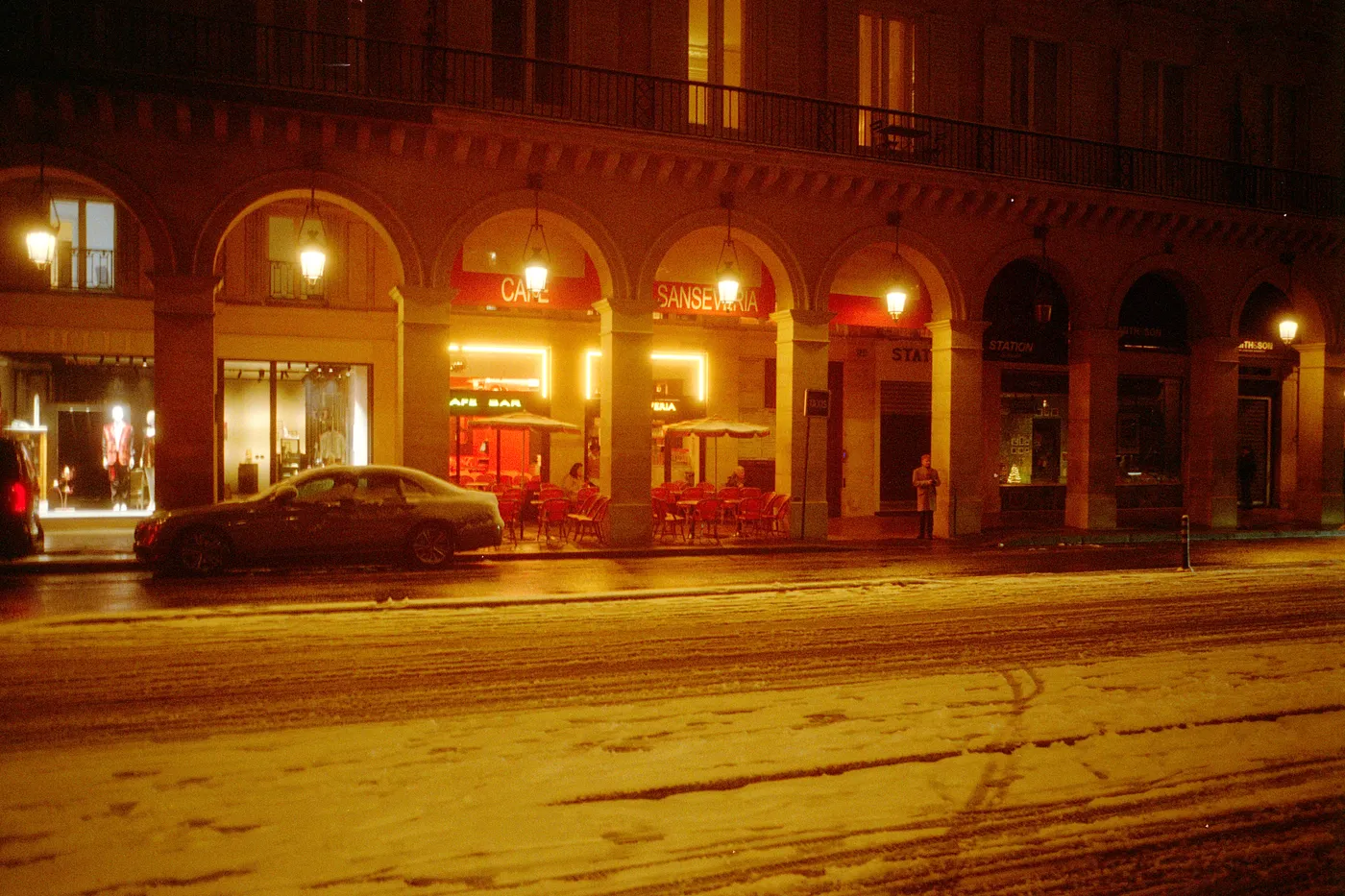
Snow night. Kodak Gold, converted in Open Negative Initiative.